Quick answer by editor
| Editor | Use | Avoid |
|---|---|---|
| Premiere Pro | ProRes 4444, or a PNG sequence | WebM |
| Final Cut Pro | ProRes 4444 | PNG sequence, WebM |
| DaVinci Resolve | PNG sequence, or ProRes 4444 | WebM |
| CapCut | Test ProRes 4444 or WebM | PNG sequence |
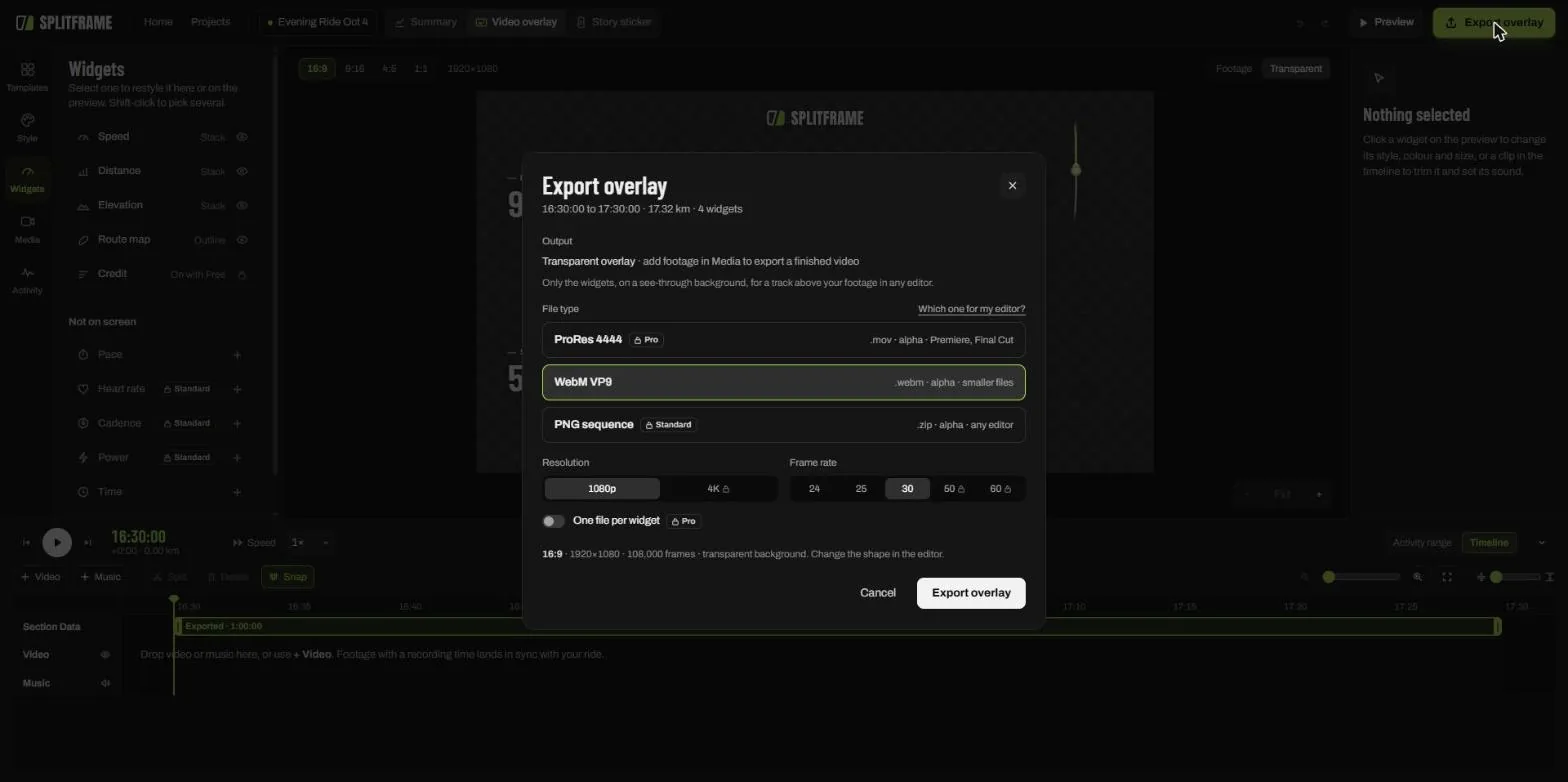
ProRes 4444
Apple’s professional codec, in a .mov file, with a full alpha channel. Desktop editors read it more widely than anything else, and it stays a single tidy file. The cost is size: ProRes is only lightly compressed, so a long overlay can run to several gigabytes.
PNG sequence
One lossless PNG image per frame, delivered as a zip. Quality and transparency are perfect, and Resolve treats a numbered run of images as one clip. The catches: you have to tell the editor the frame rate, and some editors (Final Cut, CapCut) see the frames as separate photos.
WebM VP9
Small files that browsers play with transparency intact. Most desktop editors can’t open WebM, though, and CapCut’s support changes between versions. Good for the web; a gamble everywhere else.
Do you need transparency at all?
Only if you’re finishing the video in another editor. If you’re posting straight to Instagram, YouTube or Strava, add your footage in SPLITFRAME and export a finished MP4. No alpha channel means nothing for an app to get wrong.