The idea
Your watch stamps every point of the activity with a time. Your camera stamps each clip with the moment it started recording. If both clocks are right, matching those two times lines up every frame of the video with the matching second of the ride. The overlay plays at real speed, so once the first frame is right, the rest follows.
Inside SPLITFRAME
When you add a clip, SPLITFRAME reads its recording time and places it on the timeline at that moment of the ride, with no typing. Files without a recording time fall back to the file’s modified time, and failing that to wherever the playhead is.
To adjust a clip, select it and use the Inspector: type an exact start time, nudge by a second or a single frame, or put it back at its recorded time. Then use Range to footage so the export starts and stops with your clips.
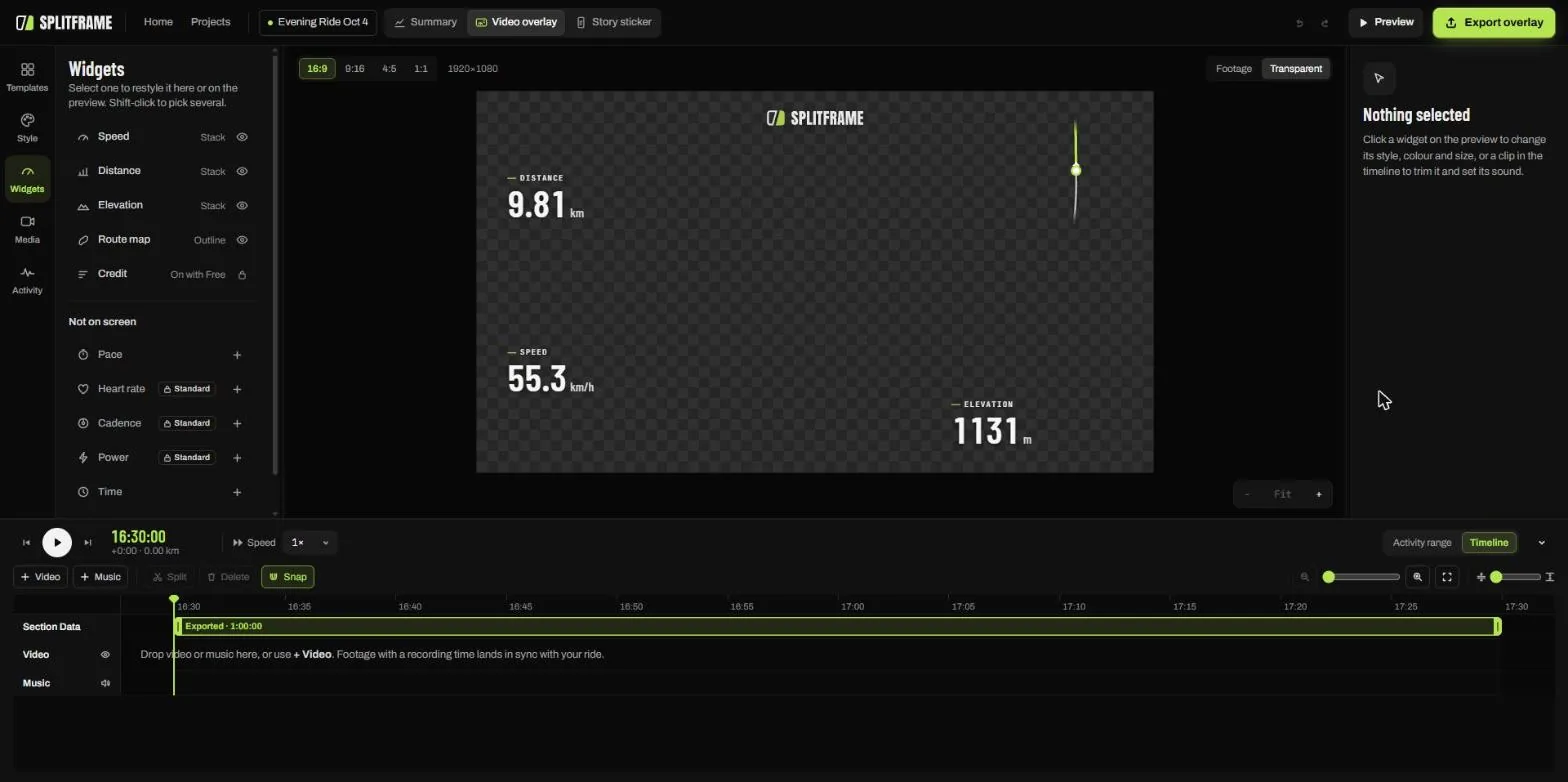
For an overlay you’ll use in another editor
Look up the clip’s start time in its file details, set SPLITFRAME’s export range to that start and end, and export at the clip’s frame rate. In your editor, put the overlay directly above the clip with their first frames aligned.
When the camera clock was wrong
- Off by a few seconds: slide the overlay (or nudge the clip in SPLITFRAME) until a moment you can see, like a stop or a sharp corner, matches the numbers.
- Off by whole hours: the camera was set to the wrong time zone. Shift by that many hours first, then fine-tune.
- Never set at all: next time, film your watch face for a second when you start. The time it shows is the time to line up with.